Plamia
Begin with finished audio
Upload a recorded segment or reuse a saved voiceover instead of recreating the delivery with text-to-speech.
Upload a short excerpt you have already chosen. Keep the original voice, add photos or generated scenes, and edit the captions and timing.
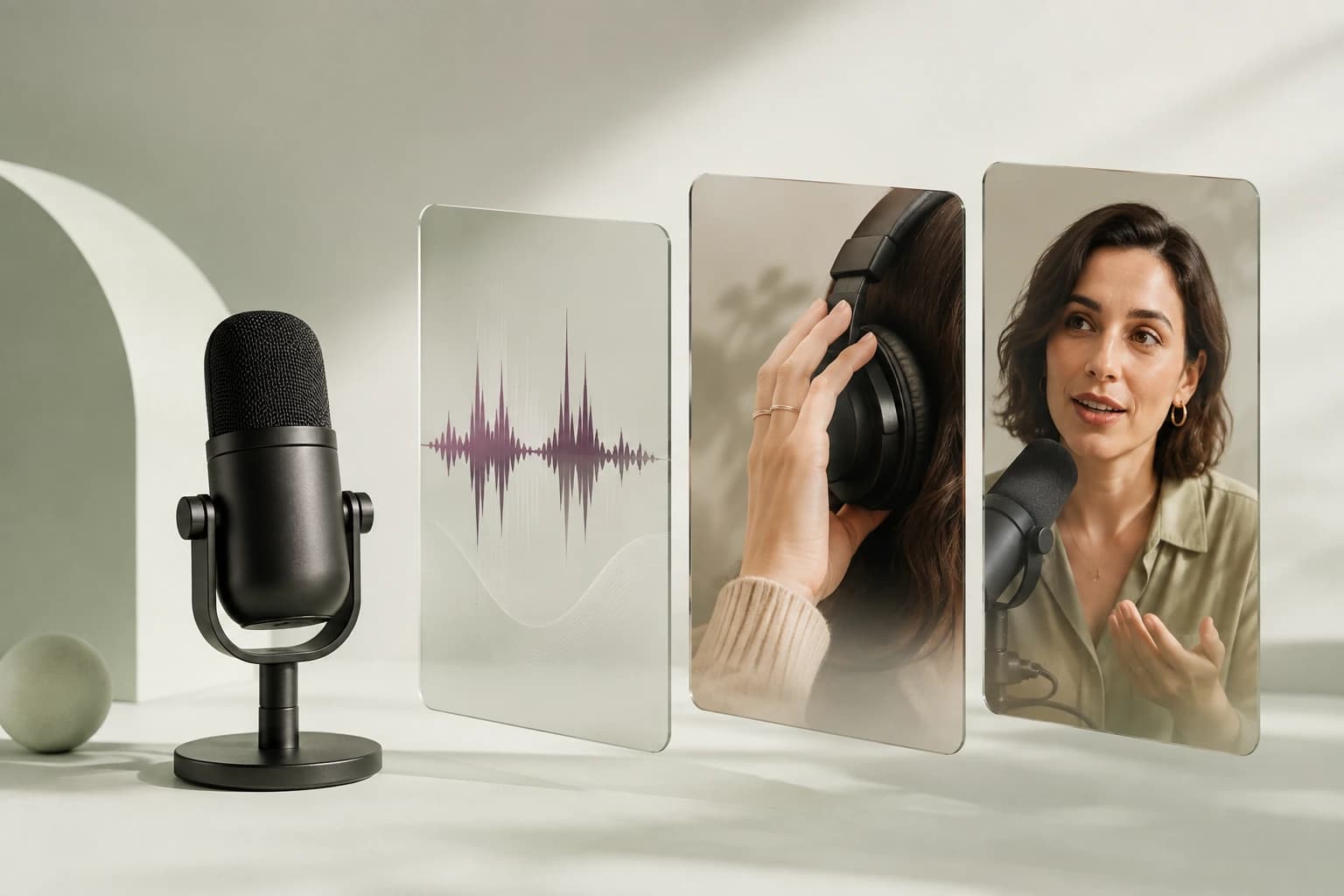
Upload a recorded segment or reuse a saved voiceover instead of recreating the delivery with text-to-speech.
Match scene changes, source media, and captions to the moments where the speaker changes subject or emphasis.
Refine the visuals, timing, captions, backgrounds, and sound effects without changing the original recording.
The original recording stays at the center while source images, generated scenes, and captions make the excerpt understandable on its own.
Select a complete excerpt. Choose a passage with a clear setup, useful idea, and ending that works without the full episode.
Upload the original audio. Keep the speaker’s delivery as the timing source instead of recreating it with text-to-speech.
Add context and review. Upload references for the subjects discussed, then check captions, scene relevance, and pacing.
Yes. Upload the audio and use it as the timing source for the visual edit, captions, and scene changes.
No. You can use source photos, generated supporting scenes, captions, backgrounds, or a combination of those elements.
Yes. Caption words remain editable on the generated timeline before export.