Turn your script into an animated video you can edit.
Create videos for TikTok, Reels, and YouTube Shorts with AI visuals, voiceover, captions, and sound. Use your own photos and clips, then edit each scene before export.
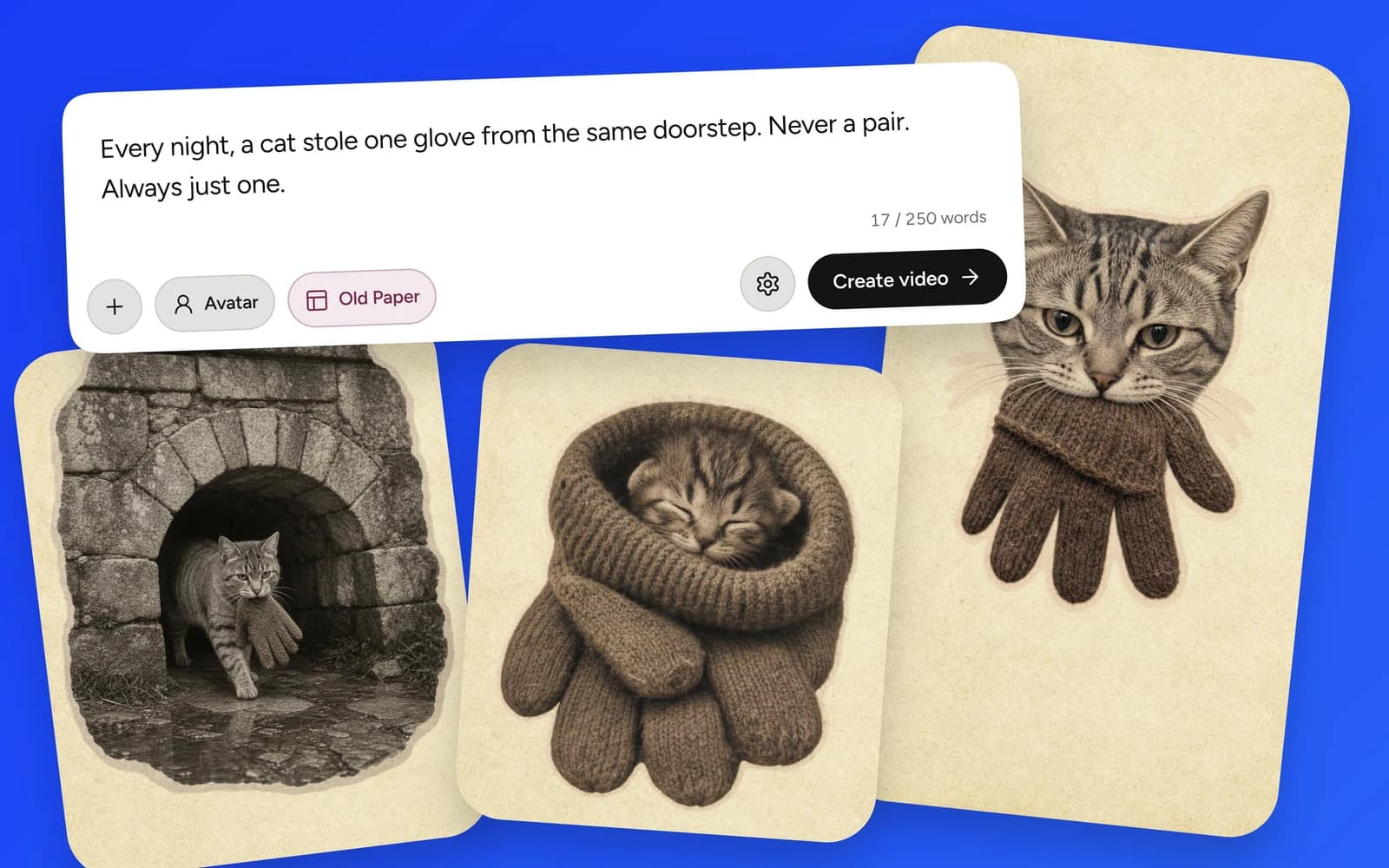
Up to 250 words. You can also attach photos and choose an optional AI avatar.
Made with Plamia
Showing videos 1 through 1 of 14
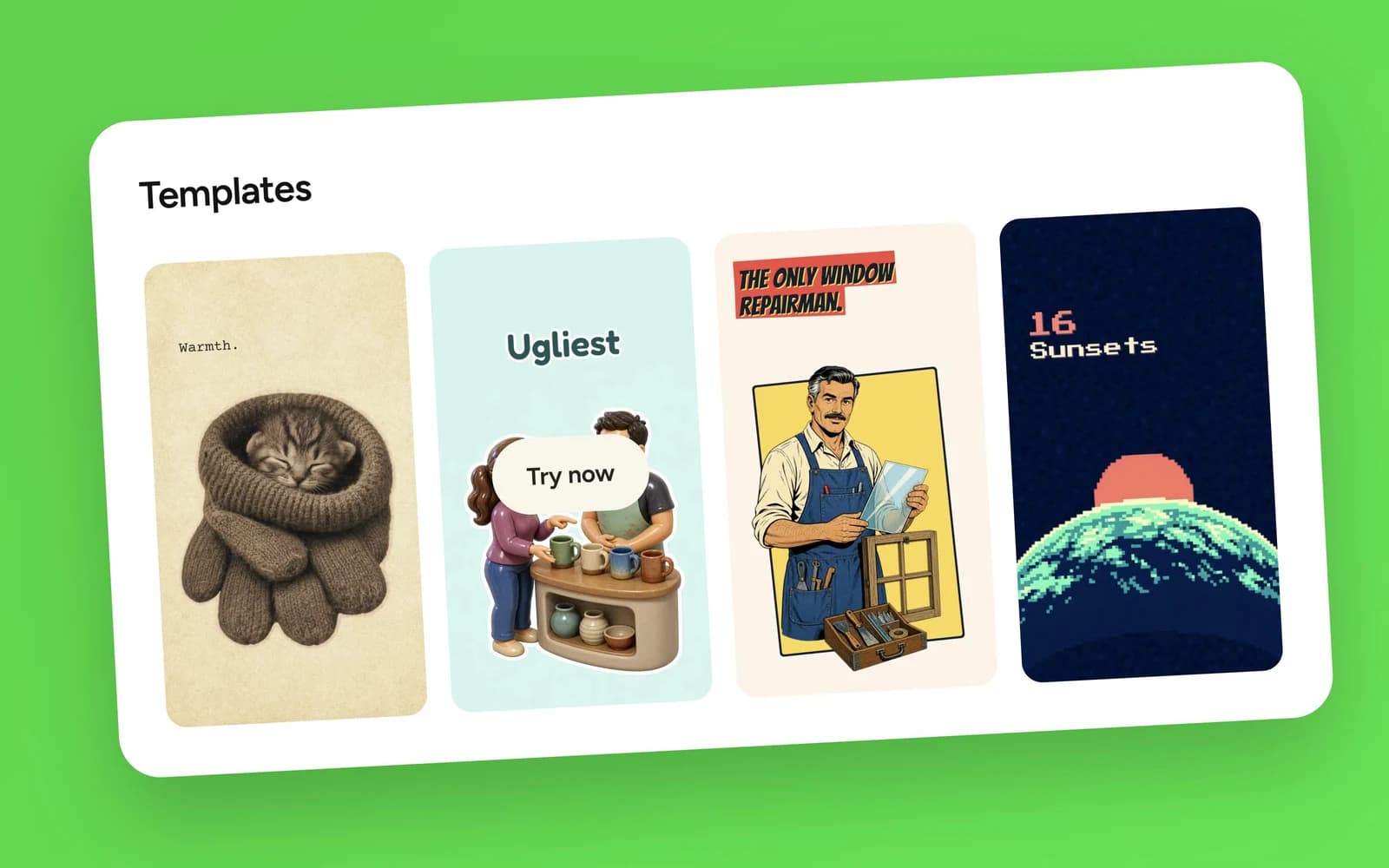
Explore Templates
Find a look for your next story. Pick a template and make it your own.
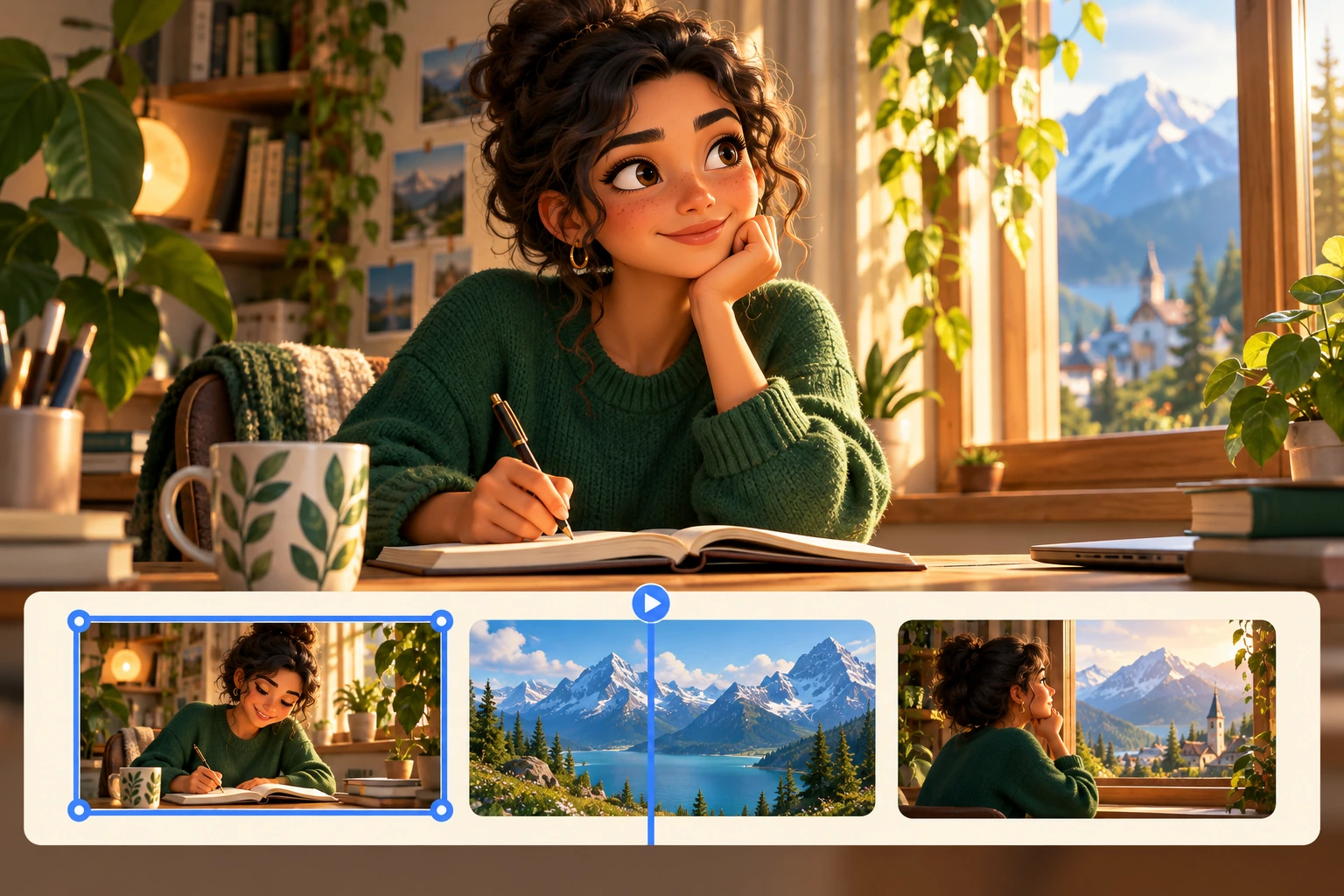
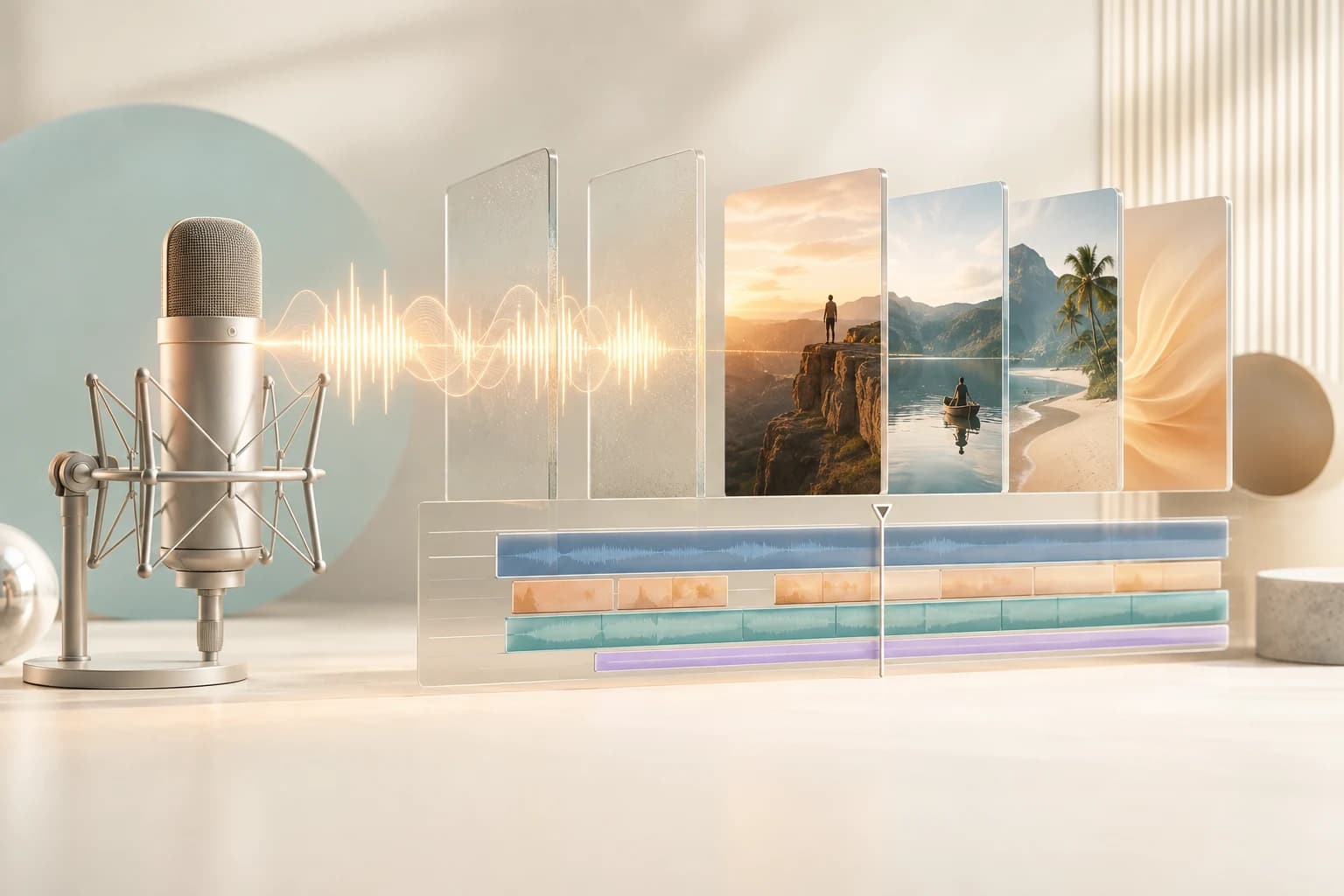
Plamia turns your script, photos, and clips into a video you can edit on a multi-track timeline.
Start with your video script.
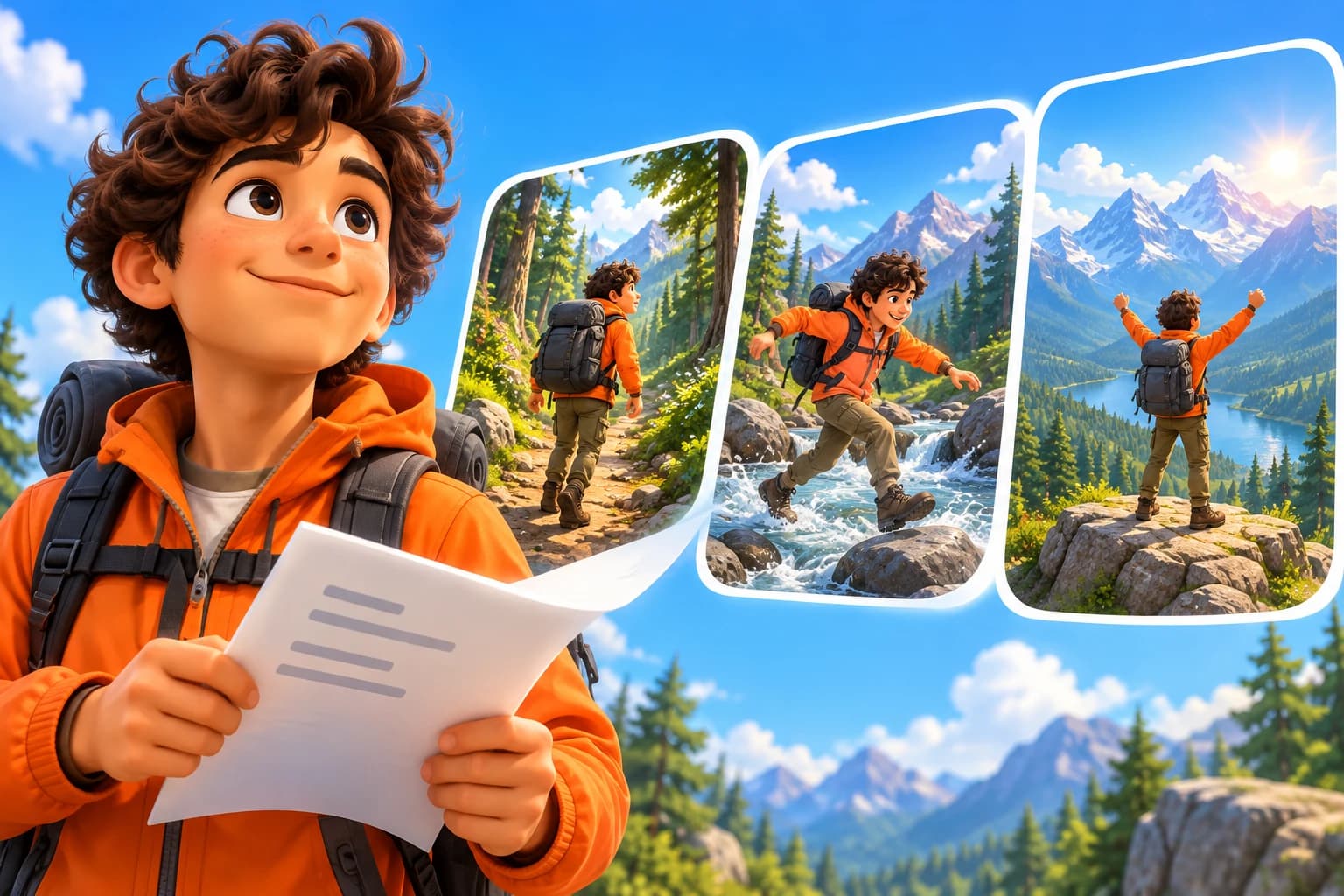
Paste a story, an explanation, or a message you want to share. Plamia uses your script to plan the scenes and bring together AI visuals, voiceover, captions, and sound. You get a complete first draft, with every part still open to editing. Our script-to-video guide walks you through the process.
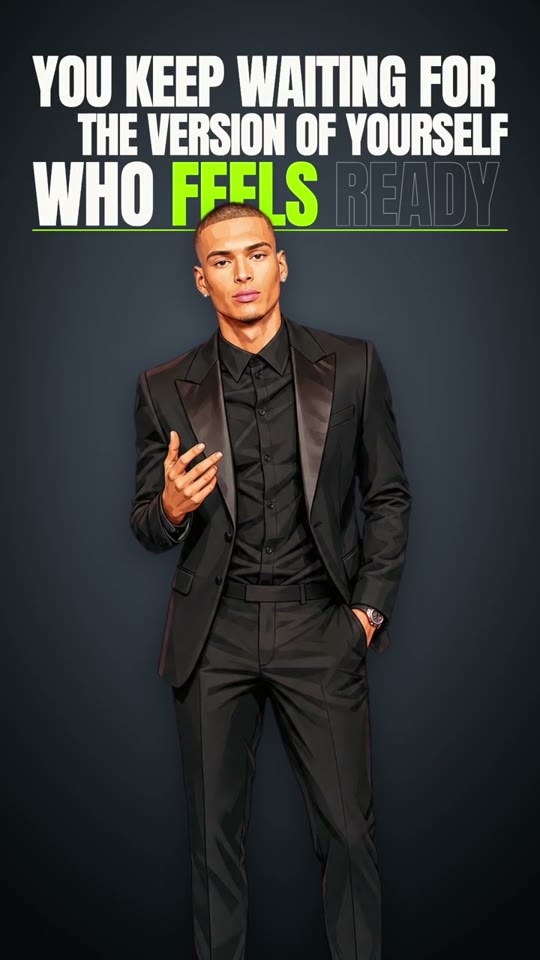
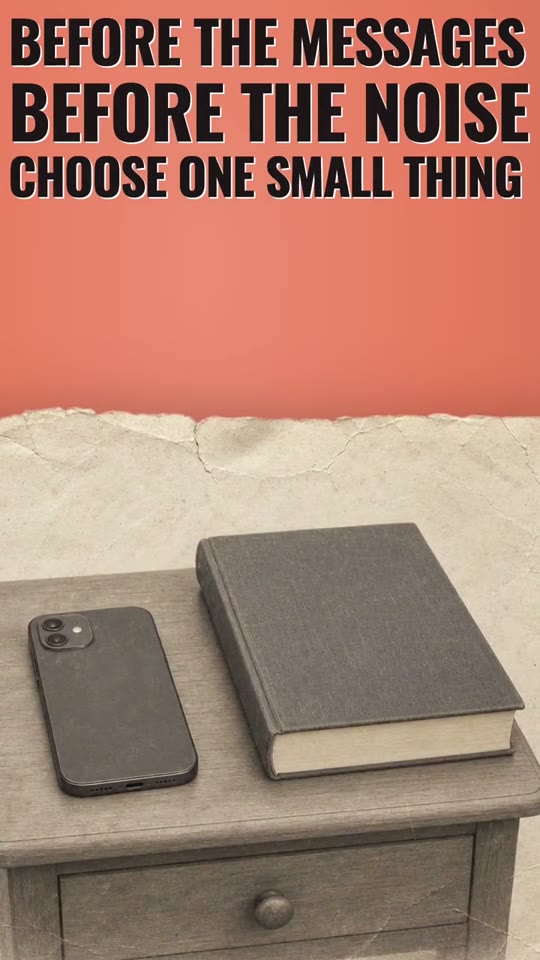
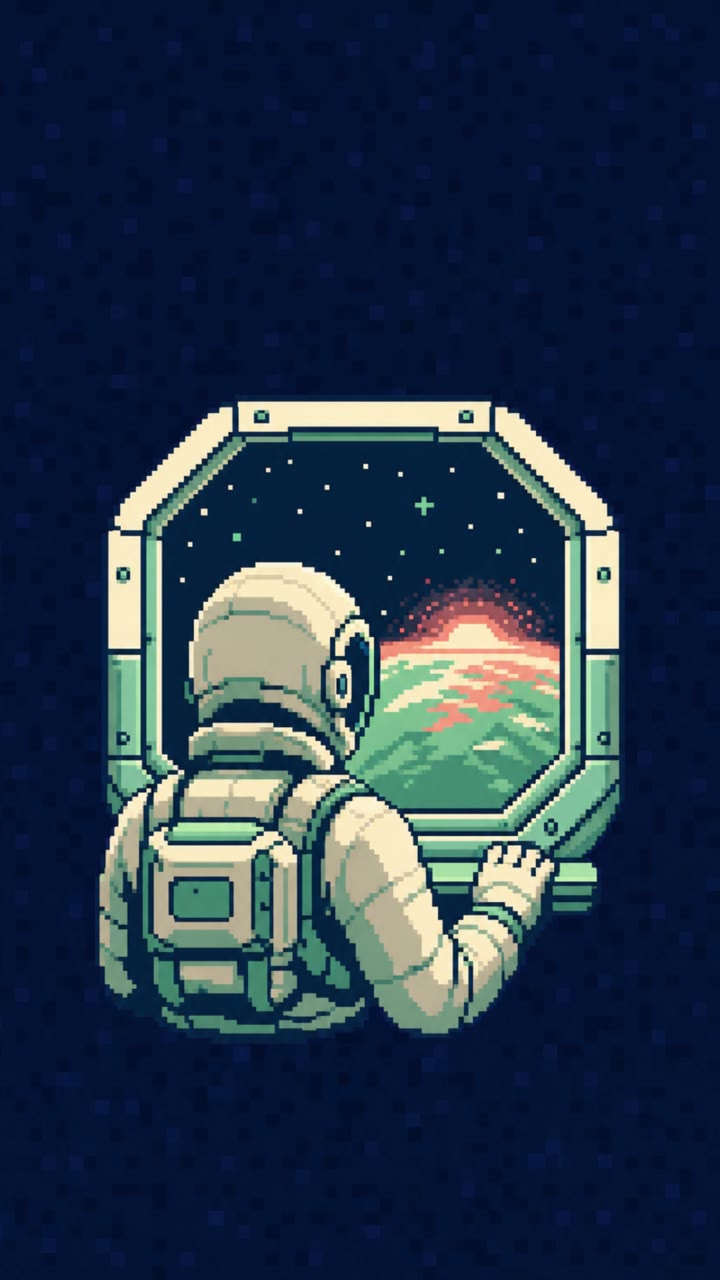
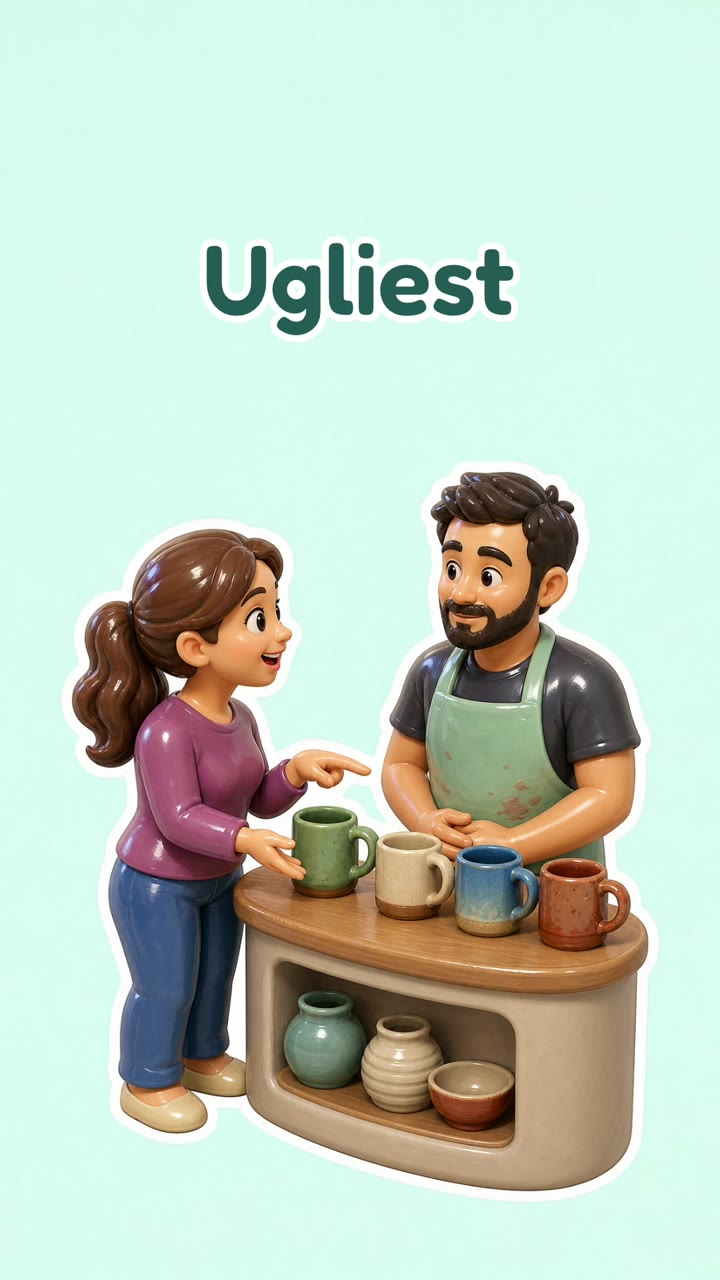
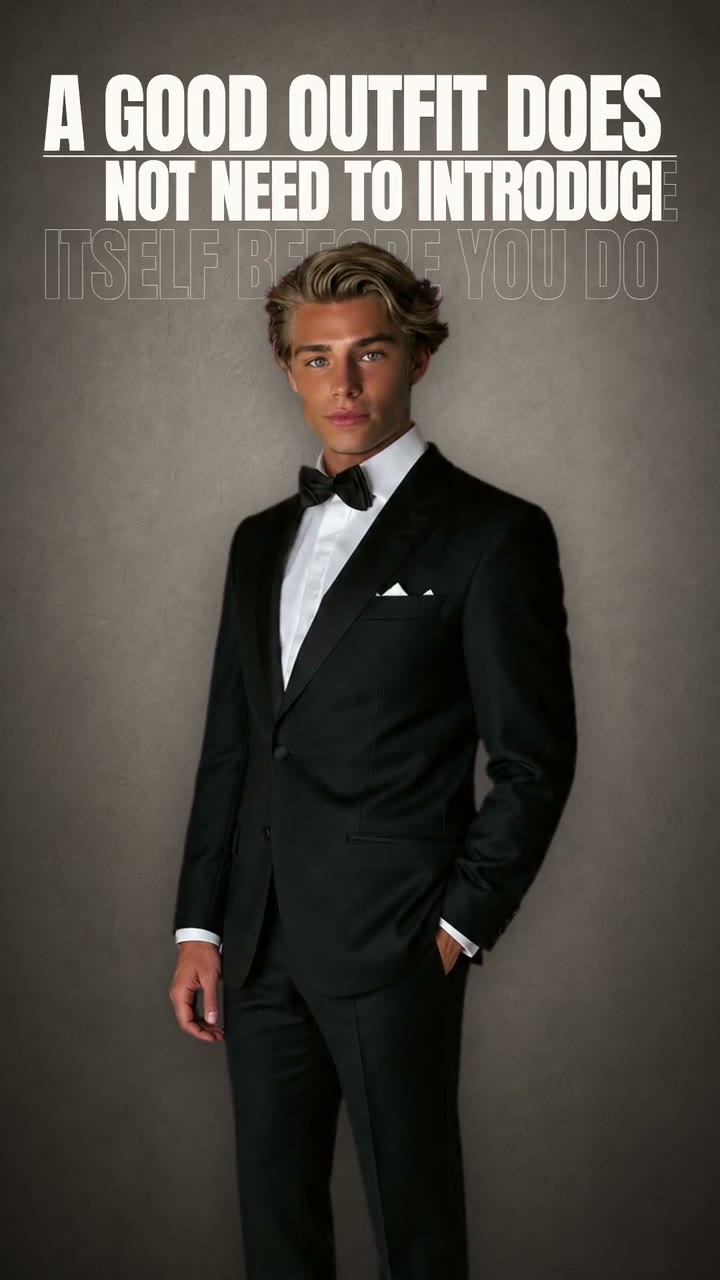
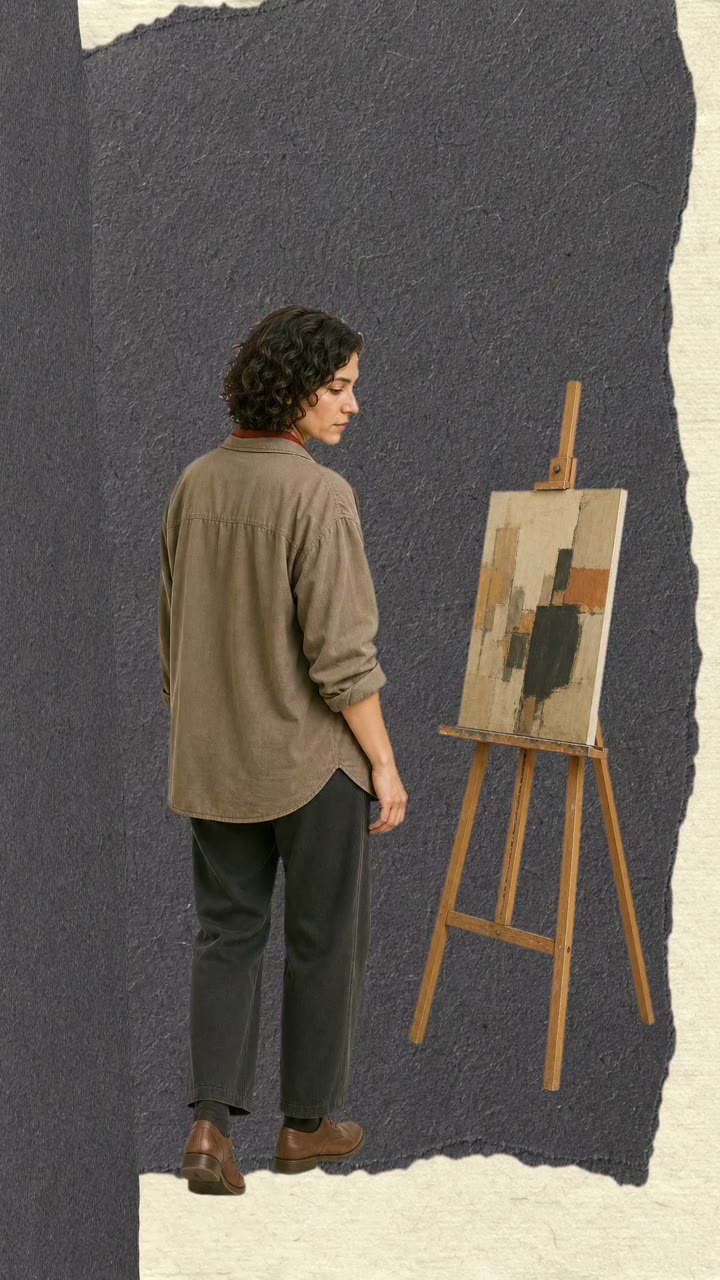
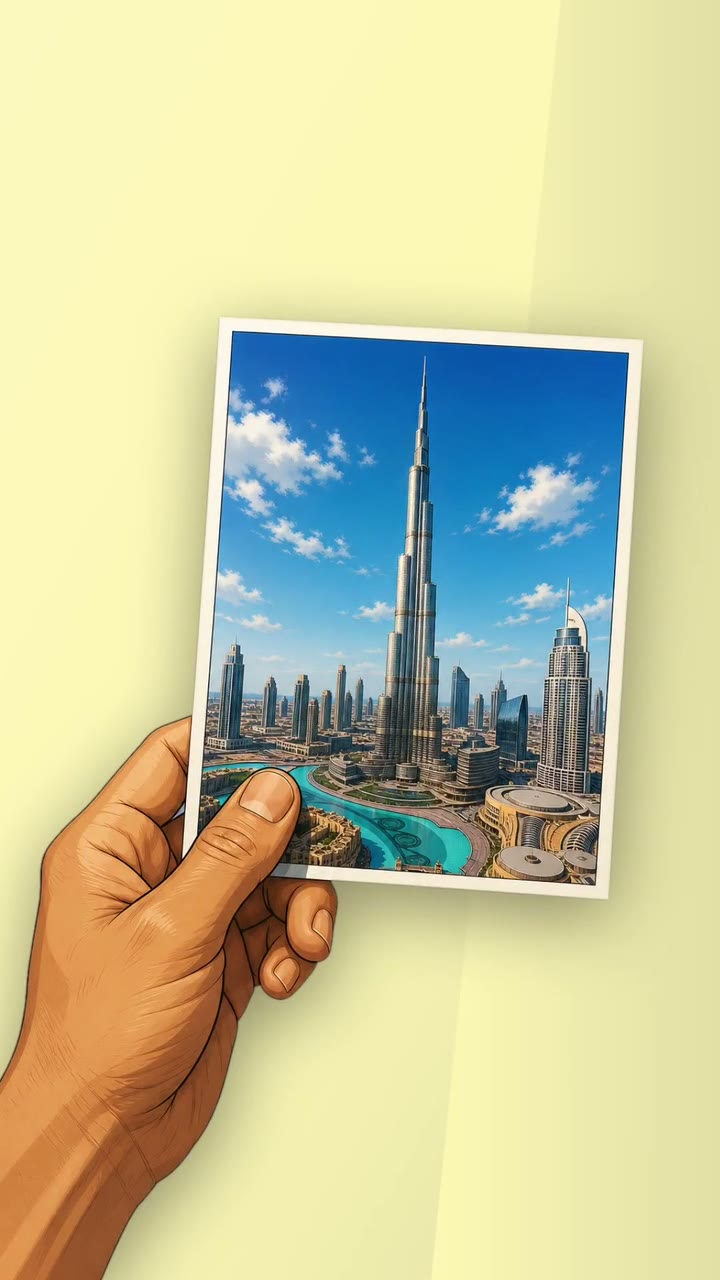
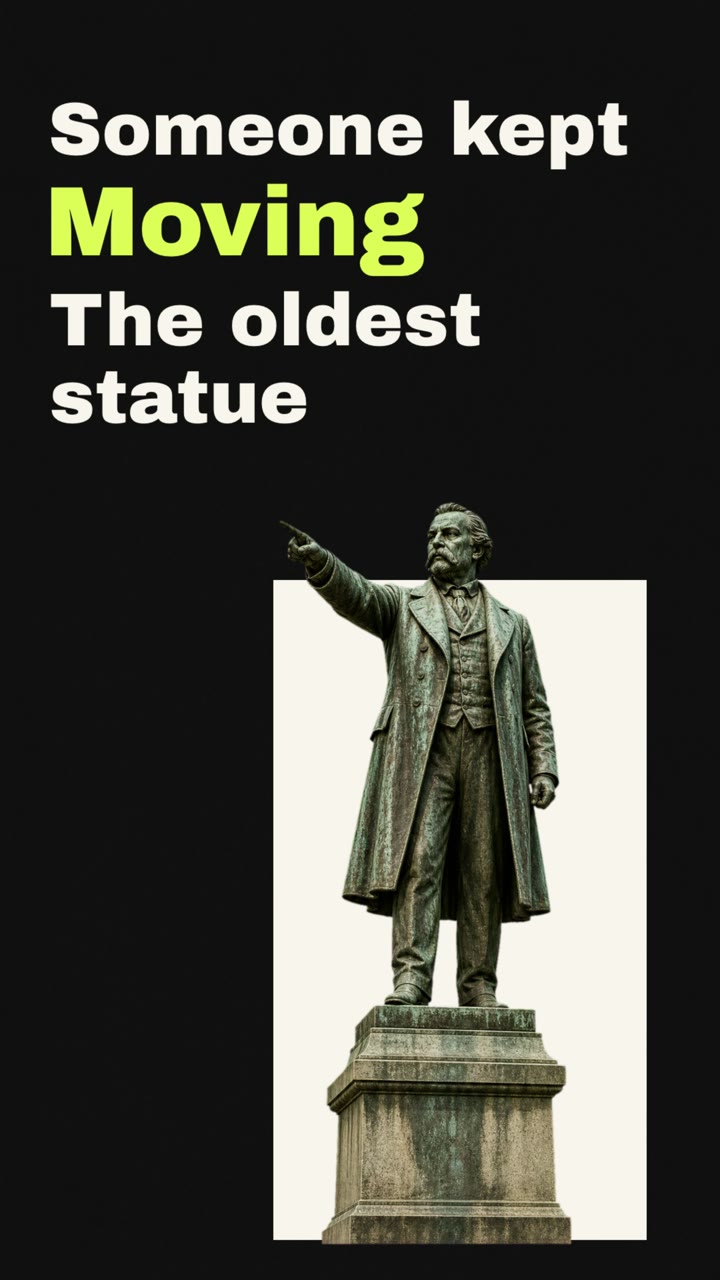
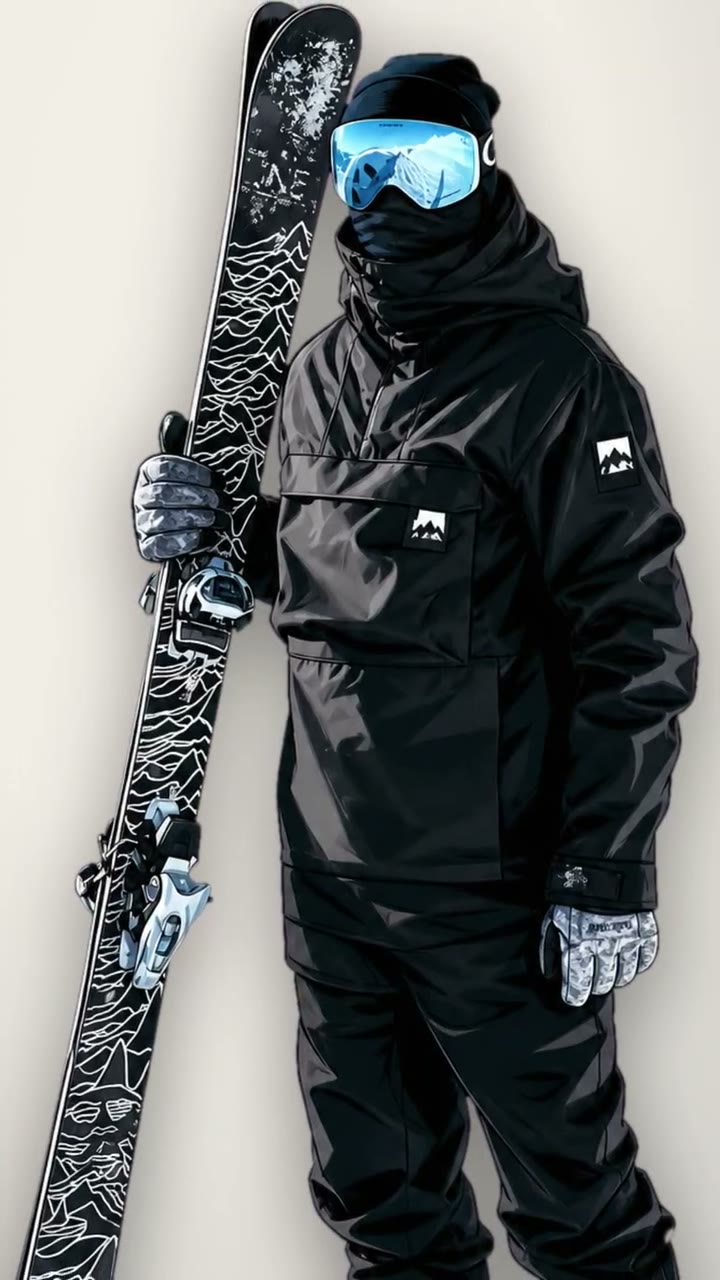
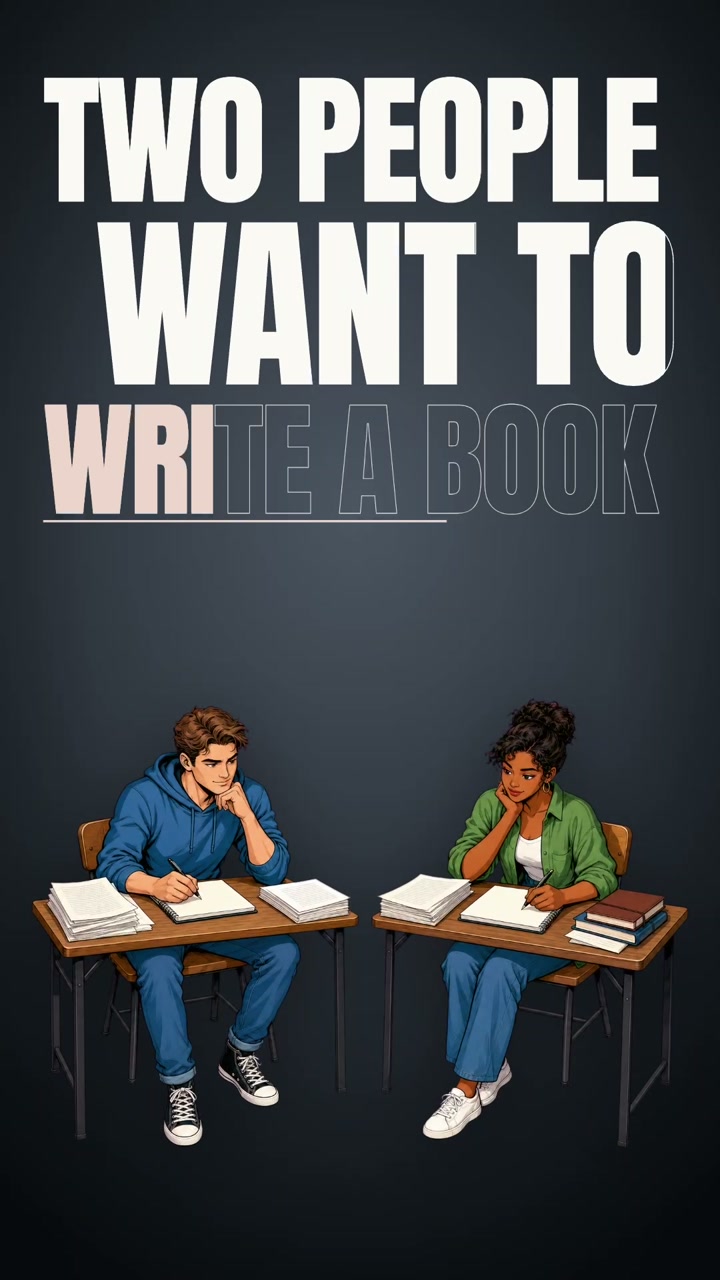
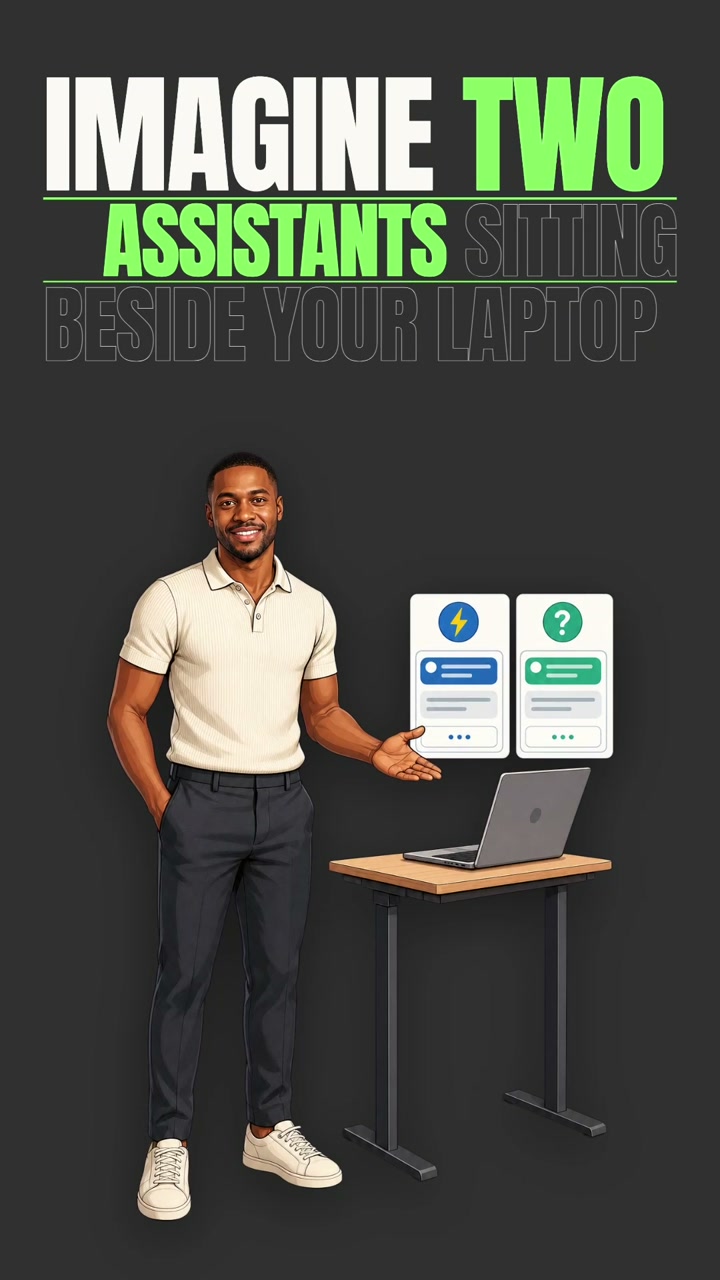
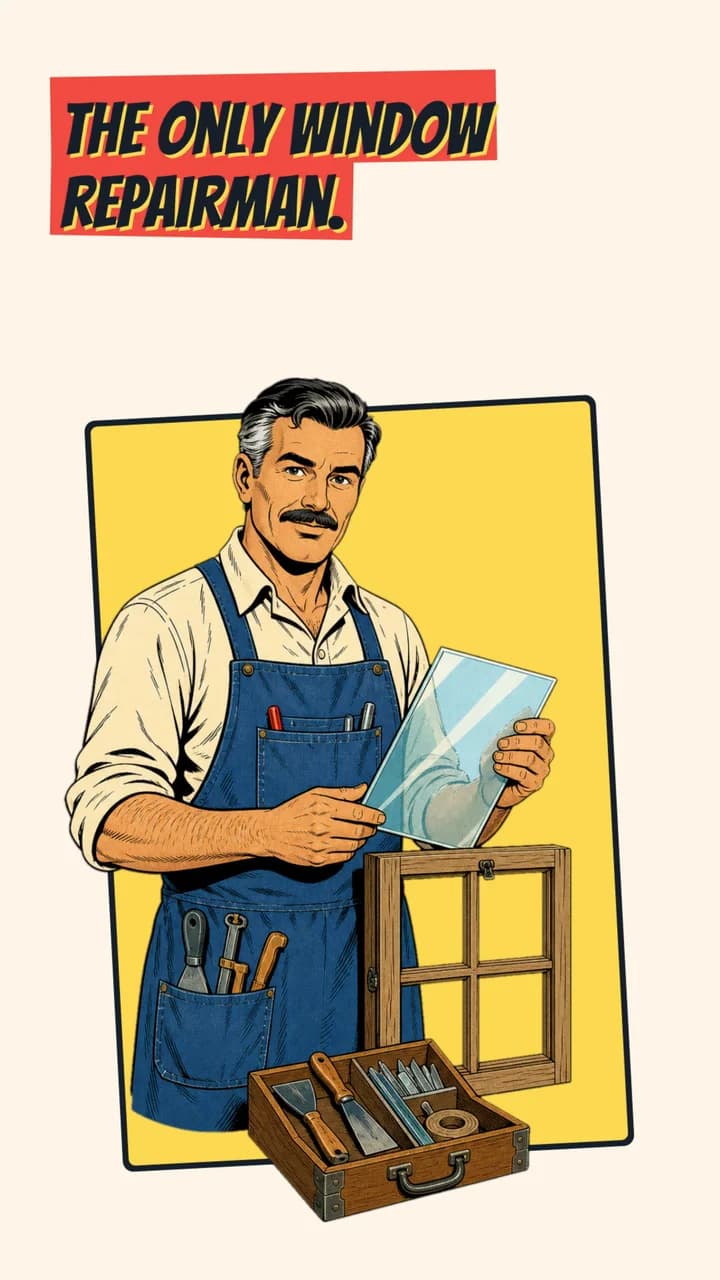
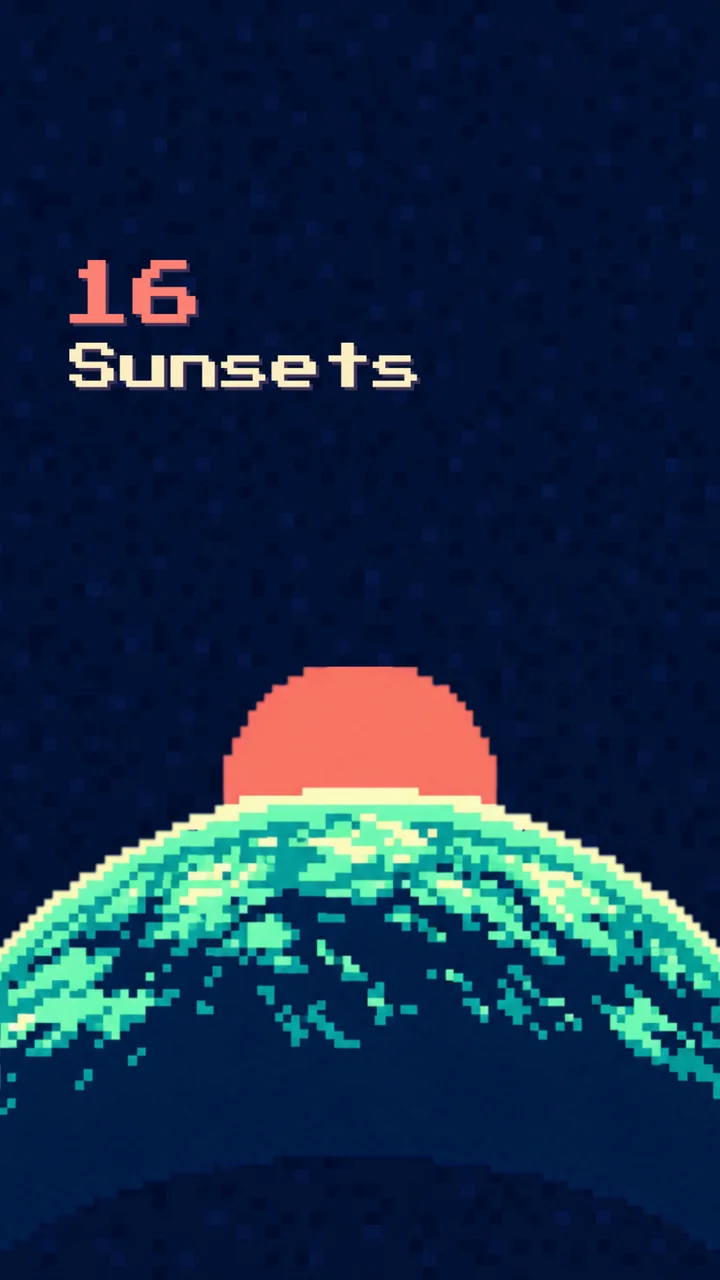
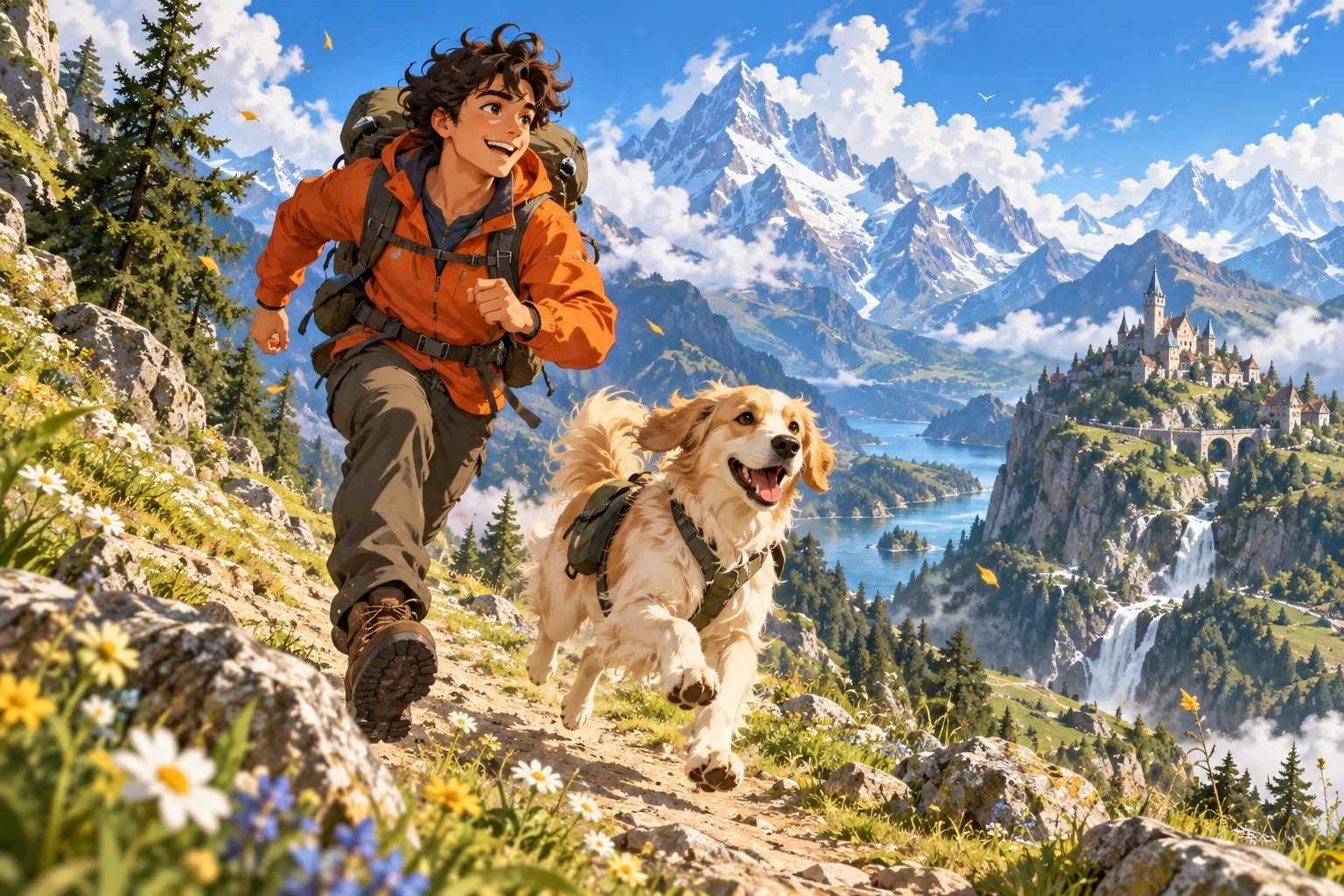
Give your video a clear direction from the start. Choose a template that brings visuals, text, motion, and sound together in one consistent look. Go with a paper story, playful characters, comic artwork, or a retro arcade feel. Plamia builds the video around your script, and you can refine the result in the editor afterward.
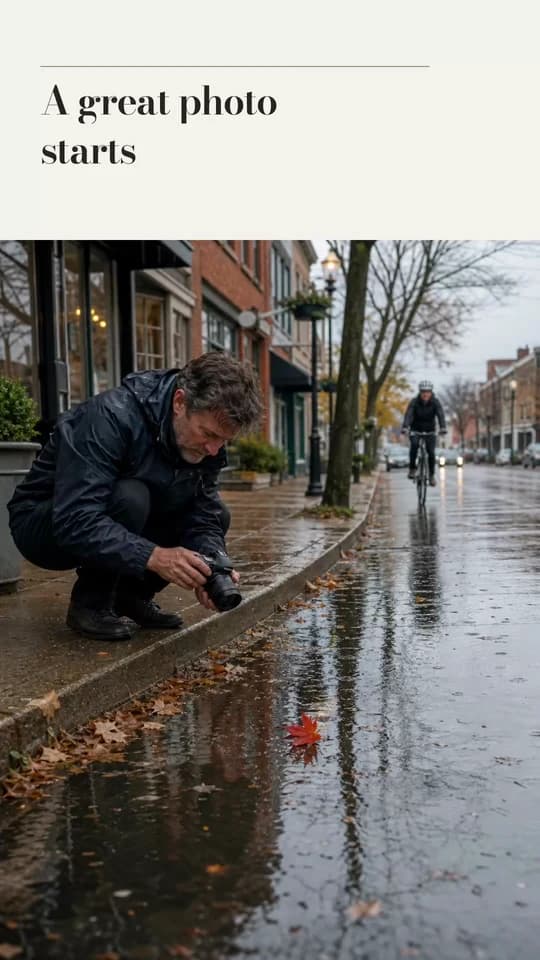
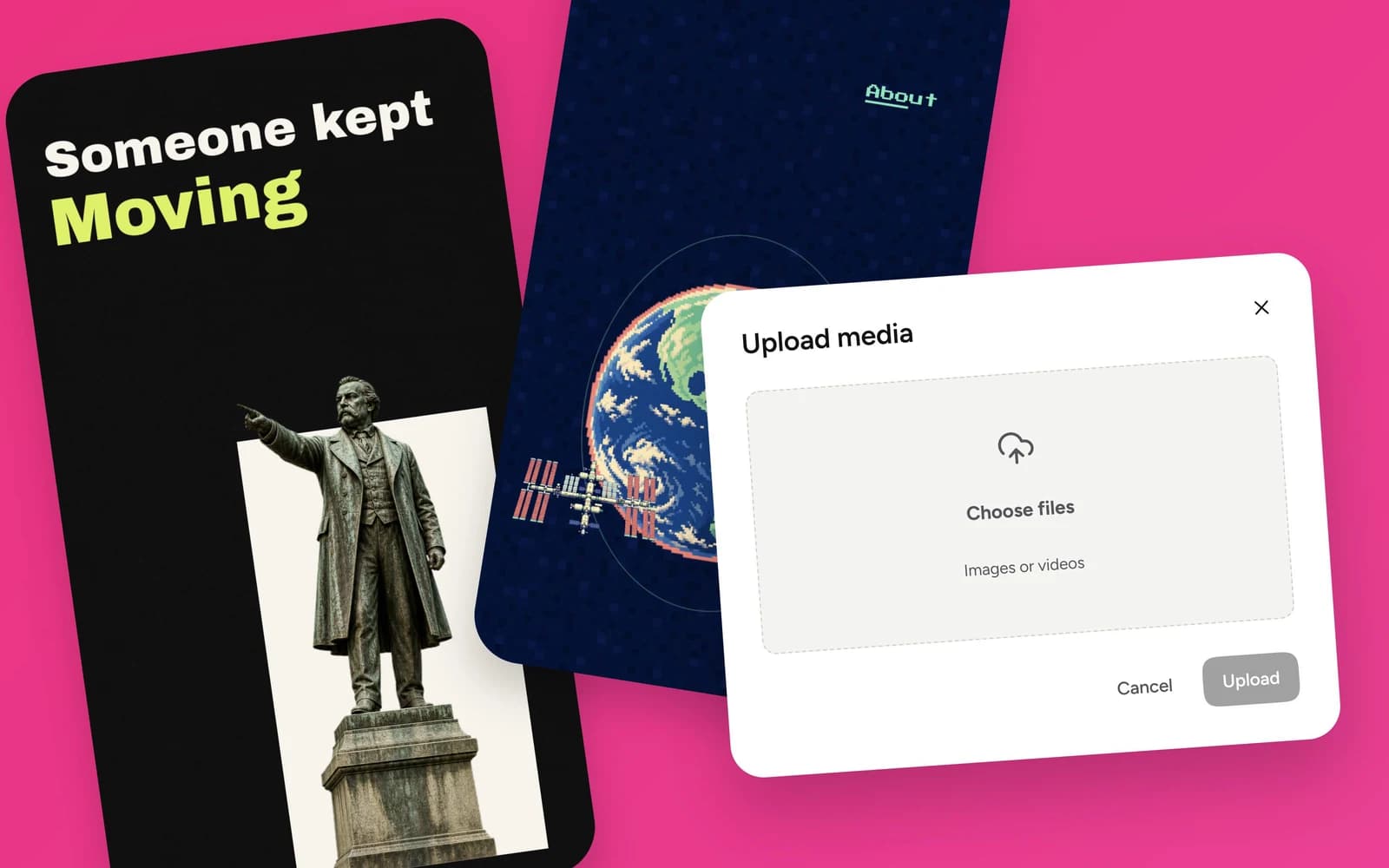
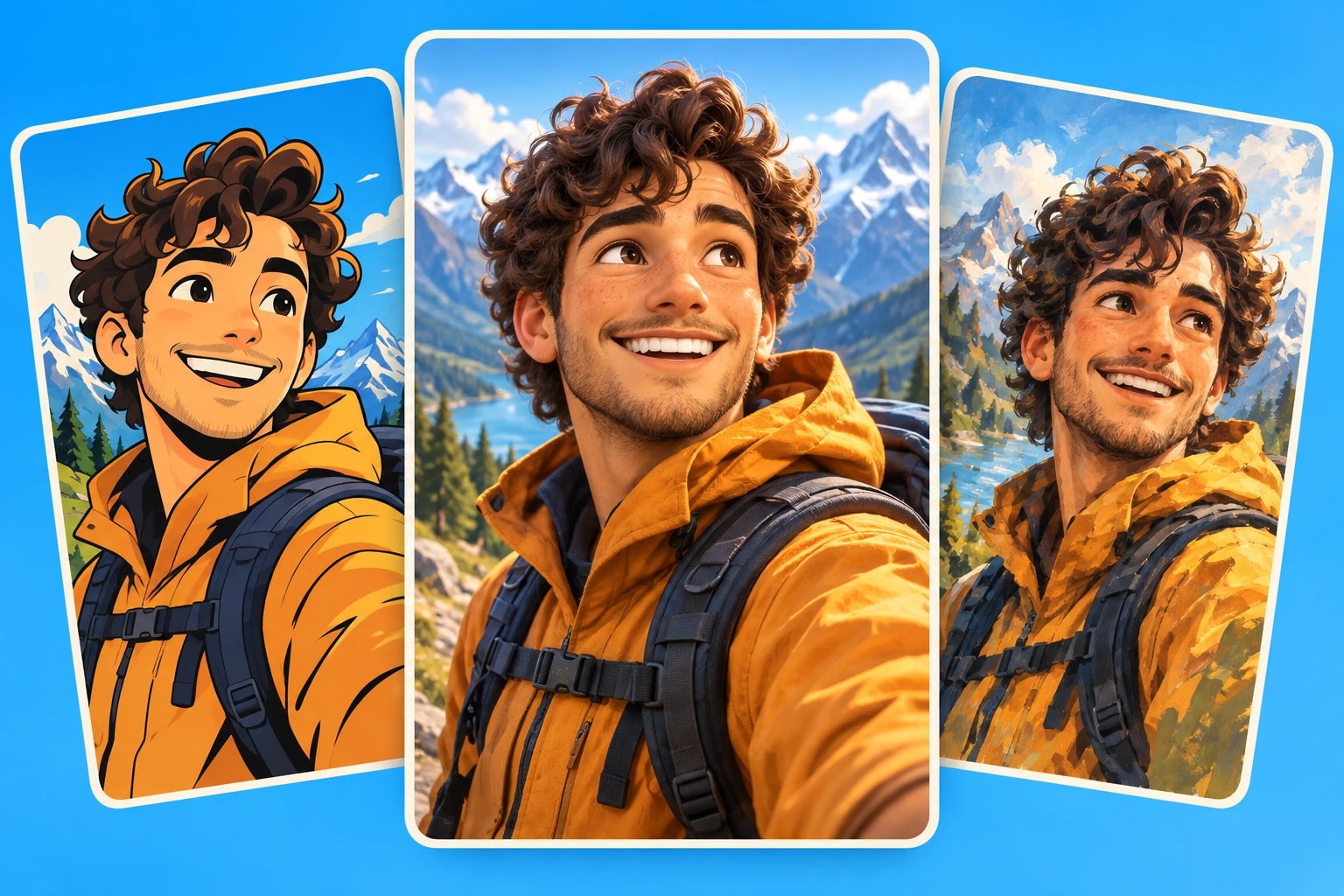
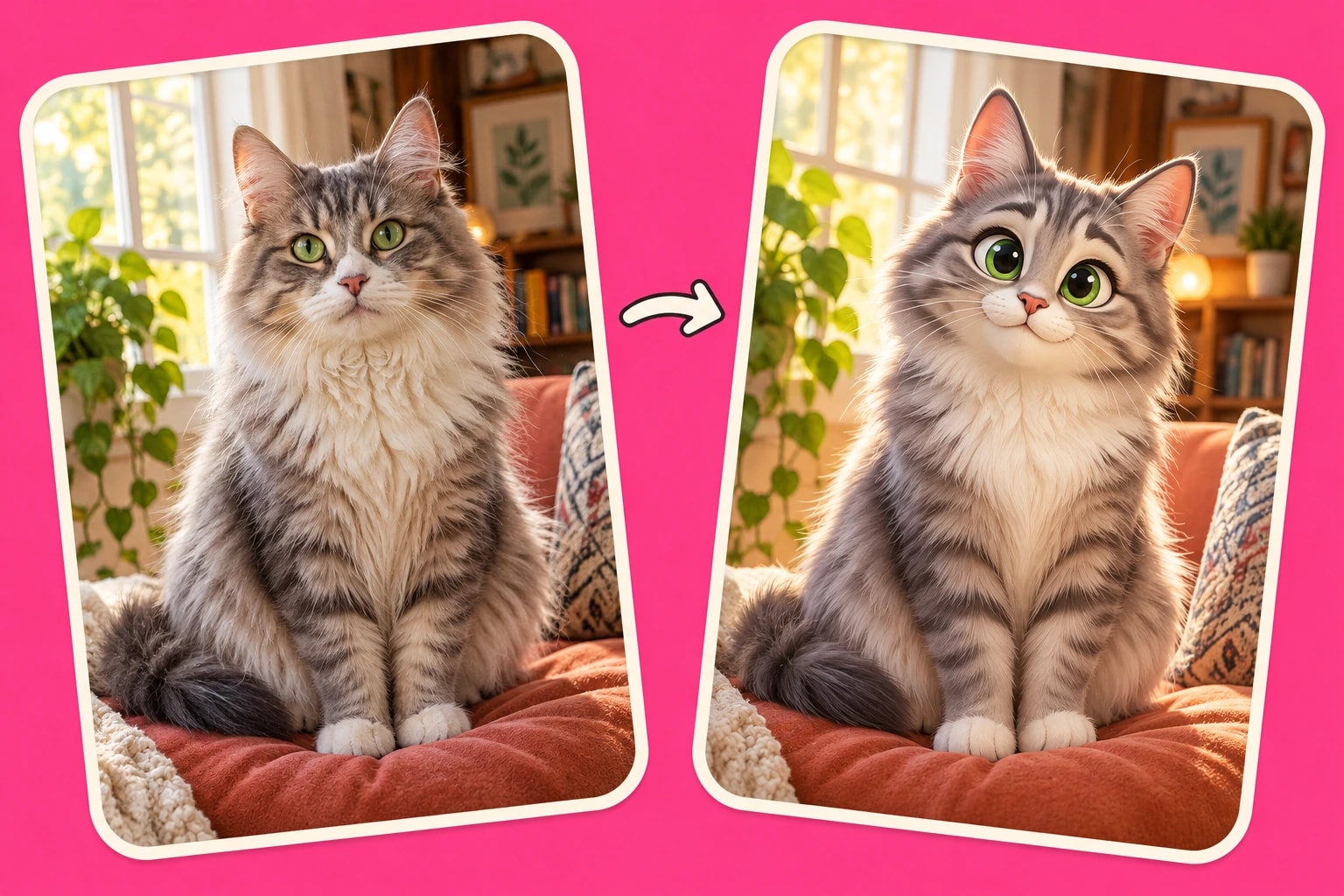
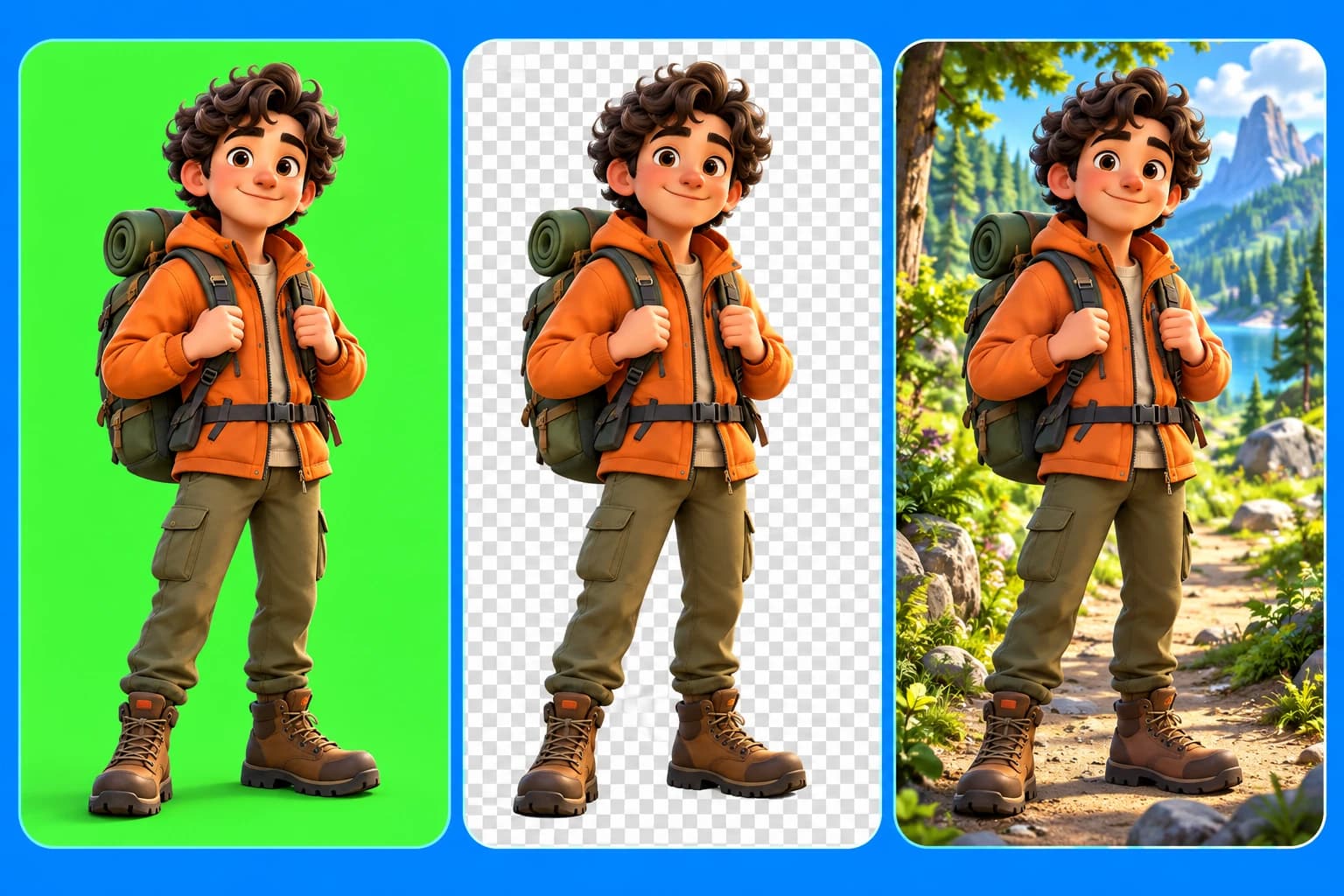
Bring the photos and video clips that matter to your story. Upload your own images and have Plamia restyle them to match your chosen look, or let AI create the visuals for you. Combine your media with generated scenes, then review the result and replace or rearrange anything you want to change on the timeline.
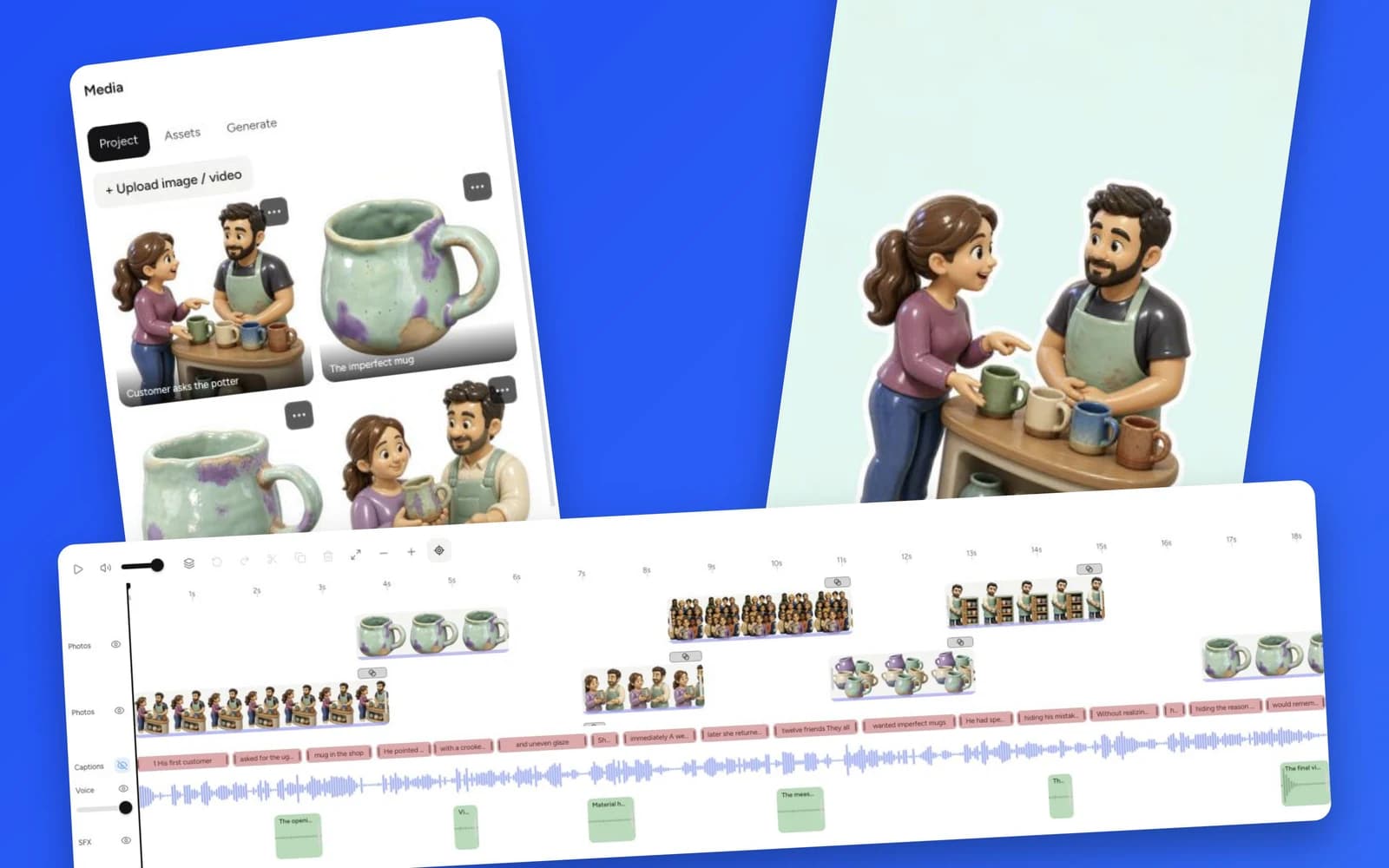
Your generated video opens as an editable project, not just a finished MP4. Move and trim clips, replace images, update captions, and adjust the voiceover and sound effects on separate tracks. Refine the timing of each moment, preview how it all works together, and export when the video looks and sounds the way you want.
Plamia generates a short video in minutes. Processing time varies with script length, the number of generated images, and voiceover requirements.
How many credits does an AI video use?
Credit usage depends on the script length and the amount of new content generated, including images and voiceover. Editing, exporting, and reusing saved assets do not consume additional credits.
Can I edit the generated video?
Yes. Plamia creates an editable video project with separate tracks for video clips, captions, voiceover, sound effects, and backgrounds. Export the final video as an MP4 when it is ready.
Which video sizes and formats are supported?
Plamia supports 9:16, 1:1, 16:9, and 4:5. Videos export as H.264 MP4 files at 30 fps. Desktop exports use the full project dimensions; mobile exports preserve the selected ratio and cap the long edge at 1280 px.
Can I reuse the same AI avatar?
Yes. Save a character as an AI avatar and reuse it across projects. Saved visual styles can be reused in the same way.
 Plamia