Plamia
Start with the angle
Provide a focused script and the product photos or clips that need to stay accurate.
Start with an ad script and real product media. Plamia assembles an editable vertical first cut around the details that must stay accurate.
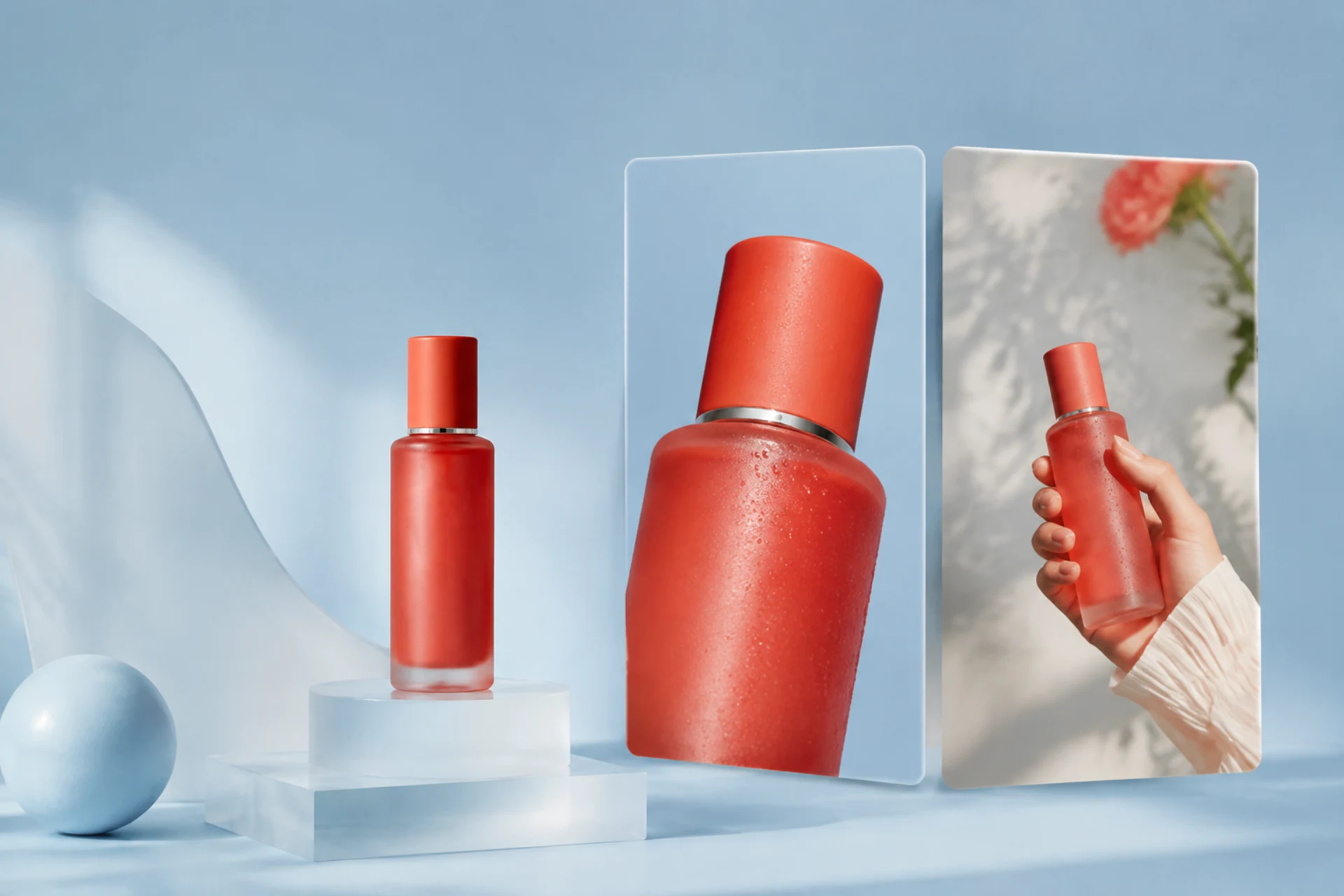
Provide a focused script and the product photos or clips that need to stay accurate.
Mix your own media with generated supporting scenes instead of replacing real product details.
Adjust scene timing, captions, motion, voice, and sound effects on the generated timeline.
Preserve product footage where accuracy matters and use generated scenes only as supporting material.
Choose the ad angle. Write the hook, the product benefit you can support, and the action viewers should take.
Add the real product. Upload photos or clips and choose Use as filmed wherever the product must remain visually exact.
Generate and refine the ad. Check the hook, product visibility, caption timing, motion, and call to action before export.
0 / 250 words
By uploading a video to be edited using AI, you are agreeing to our Terms and have read our Privacy Policy.
Yes. Upload product media with Use as filmed, or combine it with generated supporting visuals in the same project.
Yes. The result opens as an editable multitrack project, so you can revise cuts, transforms, captions, motion, audio, and backgrounds before export.
Plamia supports 9:16, 1:1, 16:9, and 4:5 projects and exports H.264 MP4 video.